June 18, 2026
People Counting Software: How to Count Foot Traffic from Any Camera
A practical guide to people counting software, camera setup, accuracy tradeoffs, and how to turn footage into foot traffic reports.
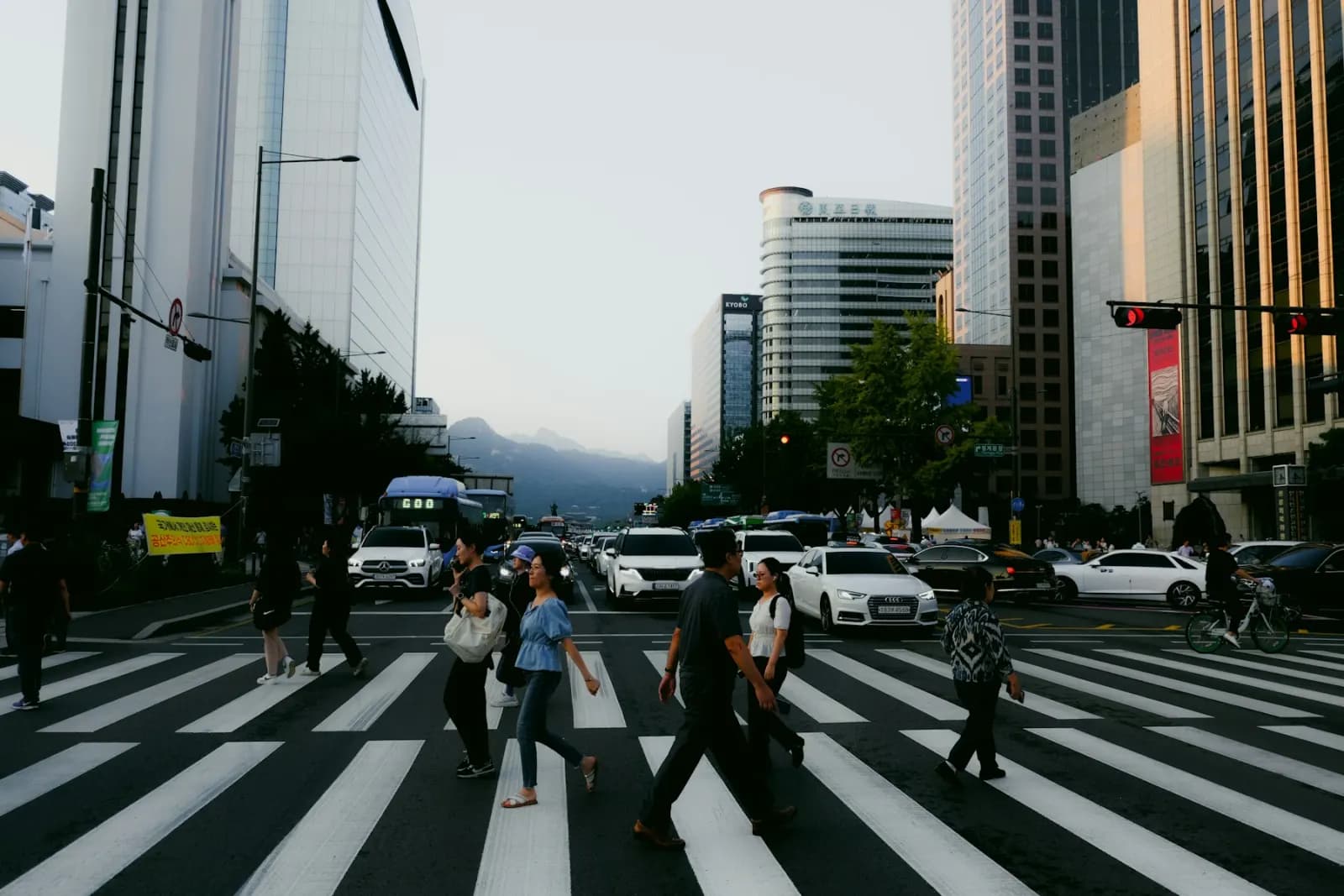
People counting software turns camera footage into counts, trends, and activity summaries. Retail teams use it for foot traffic. Facilities teams use it for lobby and room usage. Operations teams use it for staffing, queue planning, safety, and occupancy reviews.
The best setup depends on the question you need answered. Counting every individual with perfect identity tracking is different from estimating hourly foot traffic through a doorway. Before buying hardware or building a computer vision pipeline, define the decision the count will support.
VidScanner's Traffic and Movement app focuses on turning existing fixed-camera footage into aggregate movement data. That makes it useful when you already have a doorway, aisle, lobby, or crosswalk recording and need a practical report instead of a custom sensor deployment.
What people counting software can measure
Most teams need one or more of these outputs:
- Entry and exit counts.
- People present in a zone.
- Peak traffic windows.
- Queue length or crowding.
- Dwell time in an area.
- Directional movement between zones.
- Before-and-after comparisons for layout changes.
For many business decisions, aggregate counts are enough. You may not need person-level tracking if the goal is staffing, conversion rate context, or identifying busy periods.
Camera setup matters more than the model
Accuracy is not only a software question. A strong model will still struggle if the camera angle is poor.
Use a stable camera. Avoid handheld footage when the goal is counting. Keep the entry line, aisle, or zone visible. Reduce glare and shadows when possible. If people overlap heavily, an overhead or angled view usually performs better than a low side view.
The pedestrian flow from CCTV workflow works best with a fixed camera where sidewalks, crossings, or entrances are visible for the full clip.
Common accuracy tradeoffs
People counting systems usually fail in predictable ways:
- Occlusion: one person blocks another.
- Reflections: glass or mirrors create duplicate detections.
- Shadows: moving shadows look like motion.
- Crowds: individual boundaries become hard to separate.
- Camera movement: the background changes too much.
- Low resolution: people are too small to classify.
You can reduce these issues by shortening the review window, using clearer angles, and treating the output as an operational estimate unless the system has been validated against a manual count.
Hardware sensors vs video analysis
Dedicated sensors can be excellent for a single doorway. They are consistent, always on, and easy to trend. The tradeoff is deployment time and cost.
Video analysis is more flexible. It can use footage that already exists, cover multiple zones in the same frame, and produce richer context. It can also explain why a count changed by showing the actual scene. The tradeoff is that video quality and camera angle matter.
For a quick analysis, upload a representative clip to VidScanner and compare the output against a manual sample. If the difference is acceptable for the business decision, you may not need new hardware.
What to test before relying on counts
Run a small validation before using counts for staffing or reporting:
- Pick three short clips: normal, busy, and difficult.
- Manually count the same window.
- Compare software counts with the manual count.
- Note where errors happen.
- Decide whether the error range is acceptable.
This keeps the workflow honest. Some use cases need directional accuracy; others only need trend direction.
Where VidScanner fits
VidScanner is useful when you need a report from existing footage. The parking lot vehicle counts and retail aisle dwell time workflows follow the same pattern: upload a fixed-camera recording, review the generated movement summary, then export the data.
For a custom real-time deployment, you may eventually want dedicated hardware, edge processing, and alerts. For review, reporting, or one-off studies, video-to-report analysis is often faster and cheaper.
Bottom line
People counting works best when the question is specific, the camera view is stable, and the output is validated against a manual sample. Start with a short clip, measure the error range, then decide whether you need software-only analysis, sensors, or a more advanced computer vision pipeline.