Traffic and movement dataset
Traffic & Movement: Build an aggregate movement dataset from fixed-camera footage.
Upload fixed-camera footage (intersection, retail aisle, warehouse loading dock) and we'll produce an aggregate movement dataset: per-frame counts by object type, per-zone aggregated counts, entry/exit counts where boundaries are visible, and heatmap-ready density values. Designed for urban planners, retail analytics teams, and security operations. MVP scope: counts + zones + density. Persistent object tracking ("Car #7 entered at 0:15 and exited at 0:32") is Phase 2 — it requires a CV pipeline (YOLOv8 + tracker) on top.
Built for Urban planners, retail analytics teams, facilities teams, and operations teams.
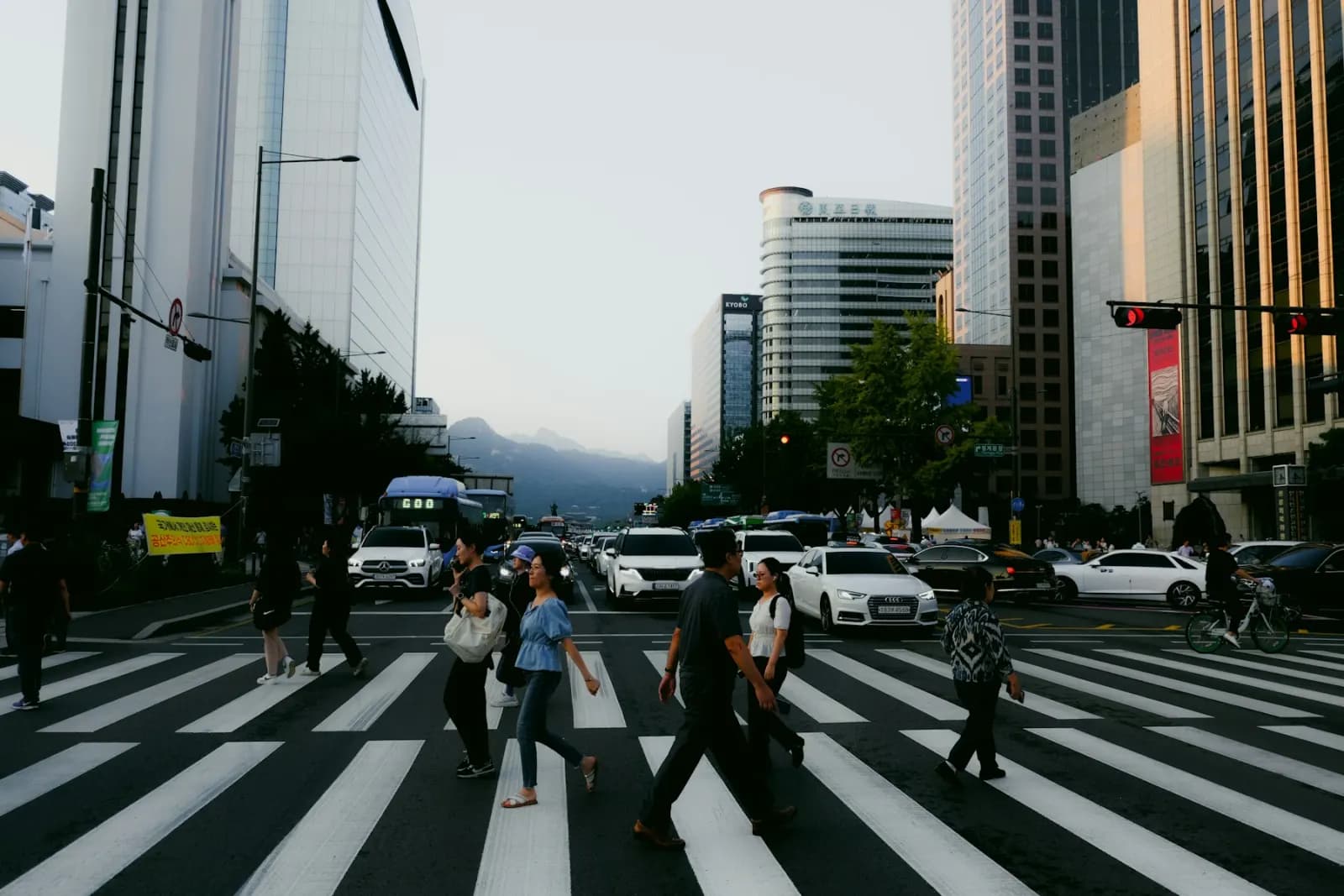
Sample output
Movement count export
Workflow fit
Built for teams that need evidence, not just summaries.
VidScanner Traffic & Movement is designed for Urban planners, retail analytics teams, facilities teams, and operations teams. Instead of treating video as a file to watch from start to finish, the app indexes the recording, identifies important moments, and turns the source footage into a structured deliverable that can be searched and reviewed.
The workflow starts with footage from a stationary camera (no panning / zooming). The strongest results come from recordings where the camera lingers on important evidence and the speaker narrates key context. VidScanner keeps the generated output tied to the source video so reviewers can verify what was seen or said before they export it.
What to upload
Footage from a stationary camera (no panning / zooming).
- Intersection / crosswalk camera
- Retail aisle or checkout-lane camera
- Warehouse loading dock camera
- Office / lobby doorway camera
What you get
Aggregate counts + per-zone stats + heatmap-ready density data.
- Per-frame object counts (e.g. {'car': 5, 'pedestrian': 2})
- Per-zone aggregated counts (e.g. 'north sidewalk': 47 pedestrians)
- Entry / exit counts (where zone boundaries are detectable)
- Density score 0–1 per zone (heatmap-ready)
- Auto-detected location type (intersection / retail / loading_dock / …)
Exports
- JSON (full study — observations + zones + summary)
- CSV (flat per-frame×object-type rows)
Common traffic & movement workflows
Pedestrian flow from CCTV
Use VidScanner Traffic & Movement to turn source footage into a structured result with timestamps, screenshots, and reviewable evidence for this workflow.
Read workflowParking lot vehicle counts
Use VidScanner Traffic & Movement to turn source footage into a structured result with timestamps, screenshots, and reviewable evidence for this workflow.
Read workflowRetail aisle dwell time
Use VidScanner Traffic & Movement to turn source footage into a structured result with timestamps, screenshots, and reviewable evidence for this workflow.
Read workflowTips for better results
Questions teams ask
What should I upload to VidScanner Traffic & Movement?
Footage from a stationary camera (no panning / zooming). Good examples include Intersection / crosswalk camera and Retail aisle or checkout-lane camera.
What does VidScanner Traffic & Movement produce?
Aggregate counts + per-zone stats + heatmap-ready density data. Outputs include Per-frame object counts (e.g. {'car': 5, 'pedestrian': 2}), Per-zone aggregated counts (e.g. 'north sidewalk': 47 pedestrians), Entry / exit counts (where zone boundaries are detectable).
Can I try VidScanner Traffic & Movement before paying?
Yes. VidScanner supports a free account so teams can test the upload, search, and export workflow before choosing a paid plan.