Product hub

One video platform, fourteen AI workflows.

VidScanner turns uploaded video and connected camera samples into searchable moments and structured outputs: meeting briefs, bug reports, property listings, flashcards, datasets, movement counts, factory QA findings, realtime camera events, rubric evaluations, and more.
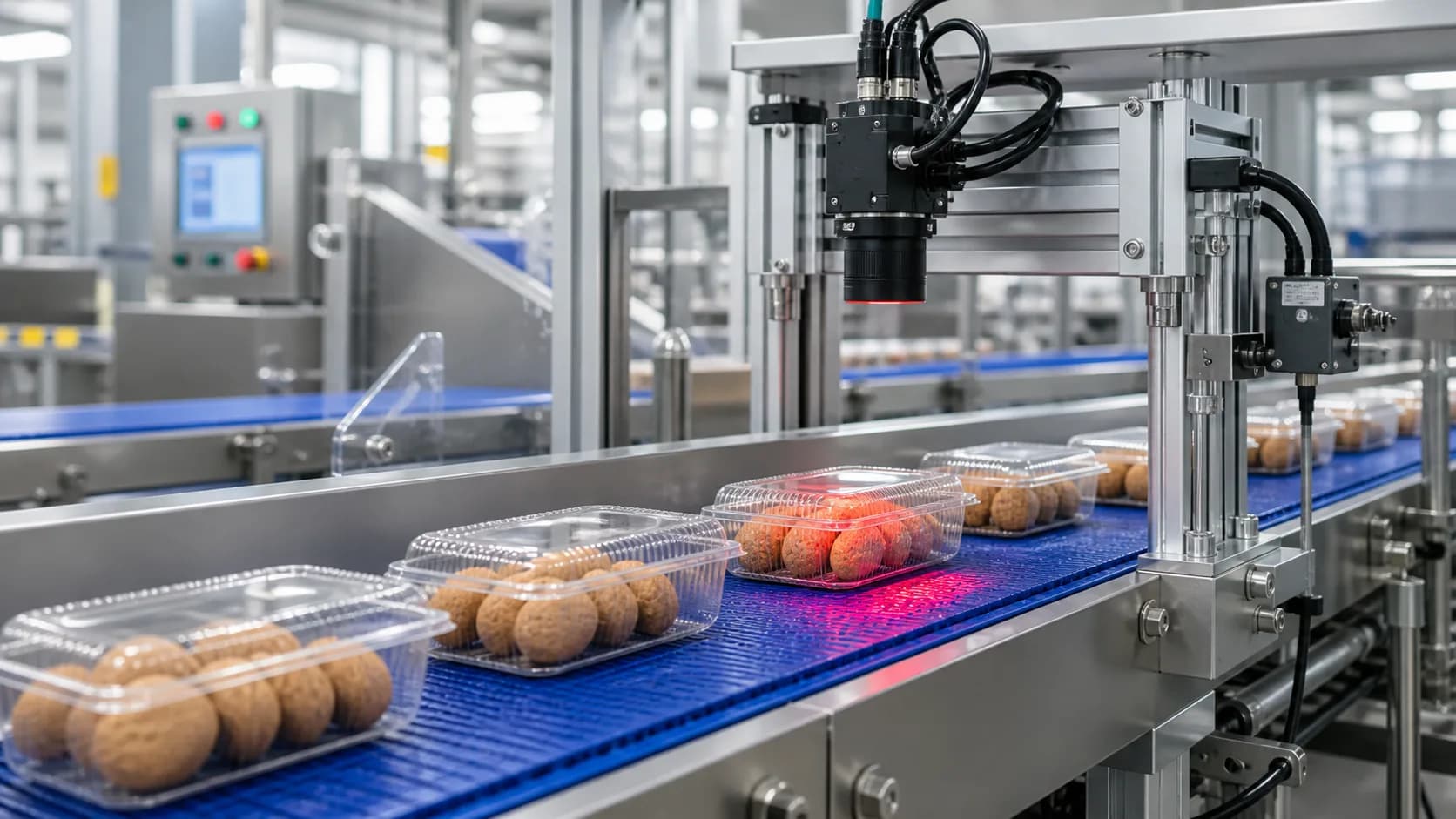
Factory conveyor line with AI quality inspection overlay
Enterprise manufacturing video QA

Enterprise manufacturing QA

Video inspection workflows for quality teams, plant leaders, and operations directors.

VidScanner Factory QA helps manufacturing teams review existing line footage, define visible product standards, flag exceptions, and export timestamped evidence. Realtime QA extends the same standards into connected camera samples when a line needs ongoing monitoring.

Batch review and exception triage
Realtime camera sampling through edge agents
Bottling, food, packaging, and assembly footage
Screenshots, timestamps, confidence, and severity

New: connected camera QA

Connect line cameras, meter samples, and review live QA events.

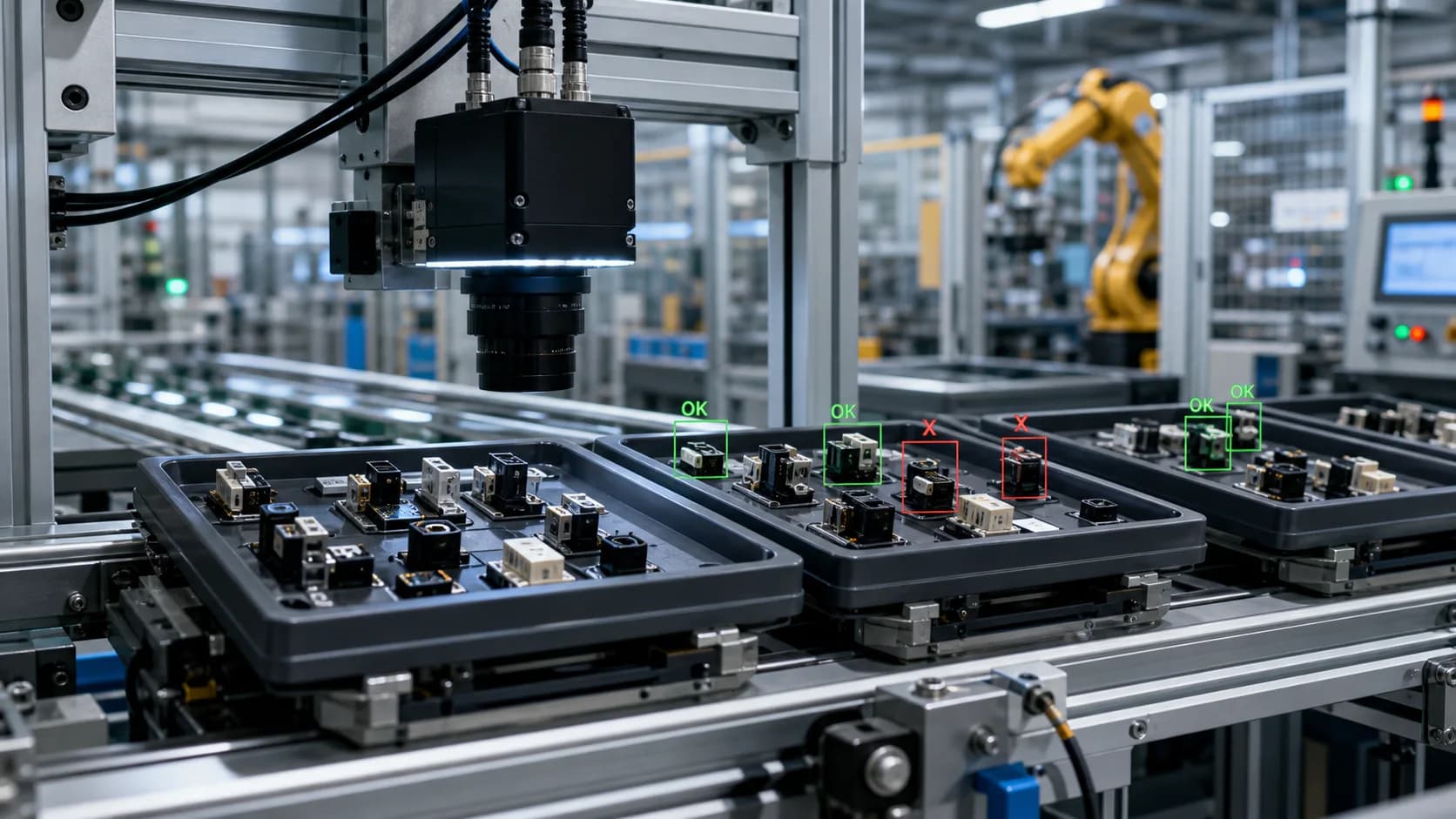
Realtime QA gives quality teams a path from one pilot camera to recurring monitoring: edge-agent tokens, camera status, product standards, sampled-frame uploads, reviewable events, and billing visibility for storage and indexed-minute usage.

Browser and edge-agent camera sources
RTSP-backed camera pilots
QA standards by line and product
Usage metering and overage visibility
Realtime factory camera feed inspecting components under an overhead camera
Realtime camera QA
A remote video meeting running on a laptop

Meeting intelligence

Meetings

Turn a recorded meeting into a structured, searchable summary.
Executive summary (1 paragraph)
Key Points
Action Items (with assignees + due dates when mentioned)
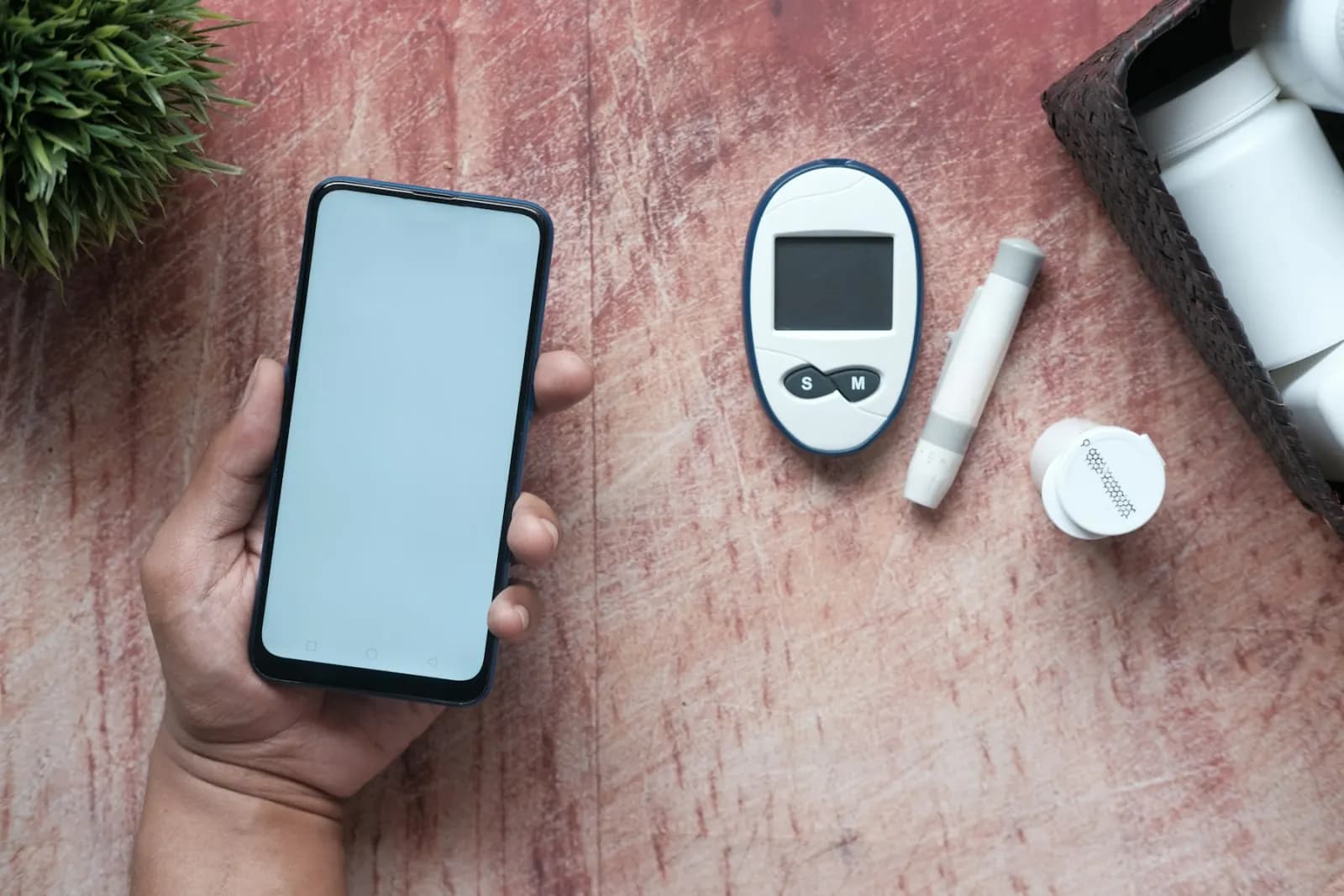
A phone and electronic device used during product testing

Bug report automation

Bug Reports

Convert a screen recording into a complete written bug report.
Title (auto-generated)
Severity (critical / high / medium / low)
Numbered reproduction steps
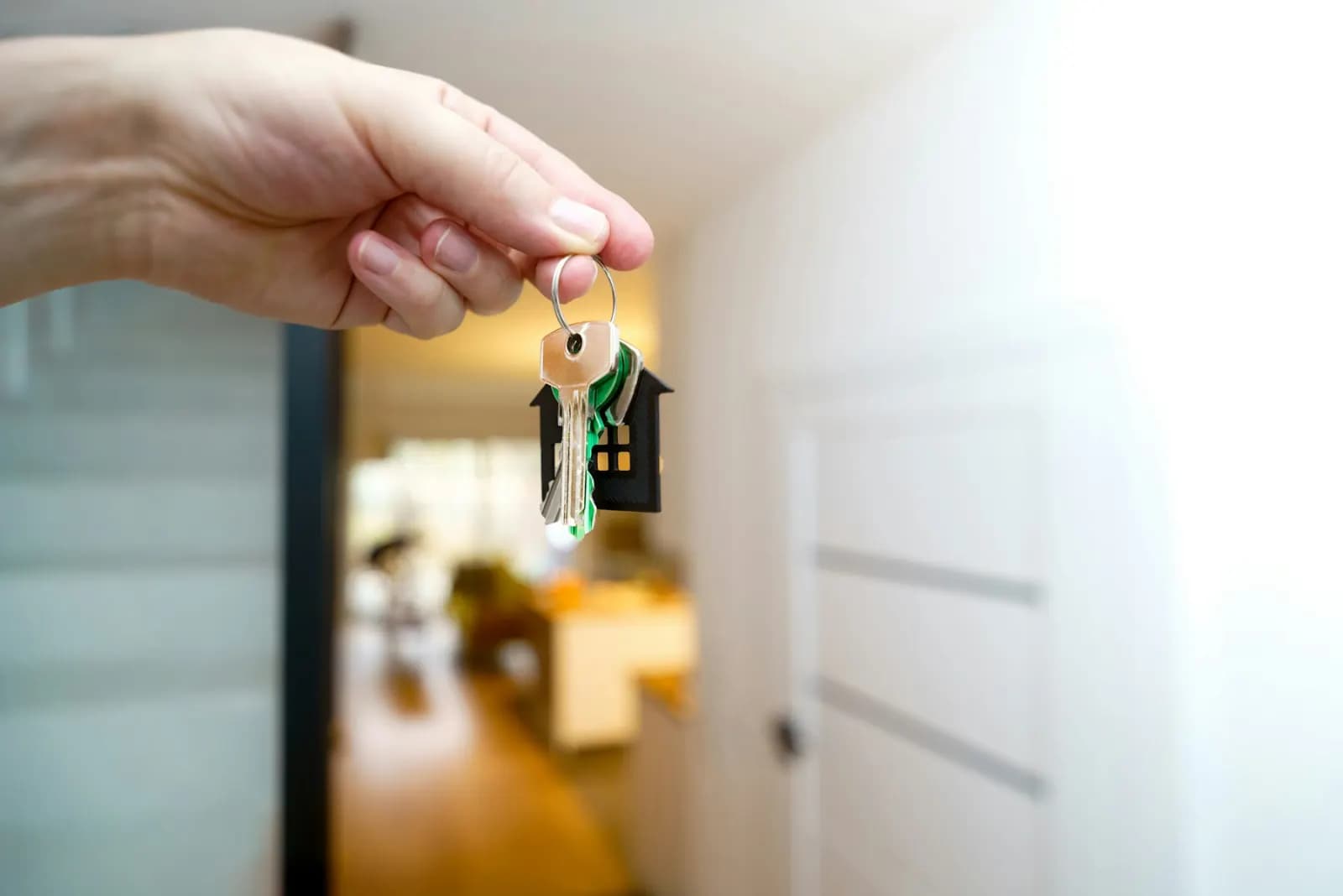
House keys held inside a home entryway

Real estate listing generator

Listings

Generate an MLS-ready property listing from a walkthrough.
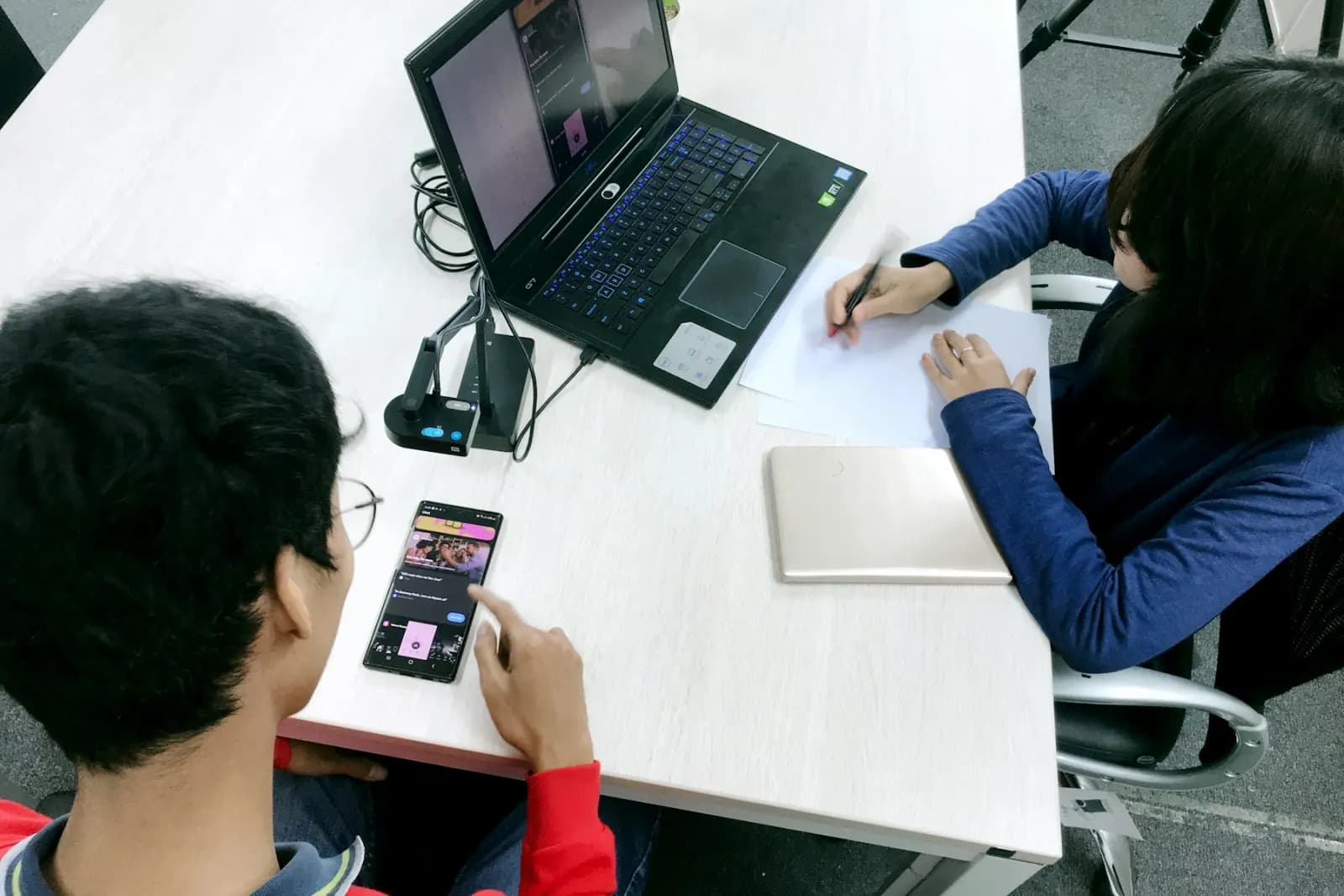
Property facts (price, beds, baths, sqft, lot, year built)
MLS-ready marketing description (1–3 paragraphs)
Per-room cards with feature lists + timestamped screenshots
User testing session with a participant using a laptop

UX research synthesis

UX Sessions

Auto-analyse a usability test recording.

Usability score (0–100)
Dropoffs — moments where the user got stuck or quit
Confusion — places they hesitated or asked questions
Construction workers reviewing a clipboard on a job site

Construction reporting

Construction

Generate a daily site report from a walkthrough.

Progress items (with completion %)
Issues (with severity and recommended action)
Materials on site (with quantities when stated)
Security operations monitors showing camera feeds

Security incident reporting

Security

Turn a CCTV clip into a structured incident report.

Title (auto-generated)
Severity (critical / high / medium / low)
Location (extracted when visible)
Basketball players competing under arena lights

Game film analysis

Sports

Auto-generate a game report from game tape.

Scoreline (e.g. Warriors 110 — Celtics 108)
Sport (auto-detected)
Home / away teams
Students collaborating around a laptop in a lecture hall

Lecture to study materials

StudyHall

Turn a lecture recording into flashcards, a quiz, and notes.

Subject (auto-detected)
Lecture summary
Key concepts (1–2 paragraphs of notes)
Contract document displayed on a laptop

Call to draft contract

Contracts

Turn a recorded conversation into a structured draft contract.
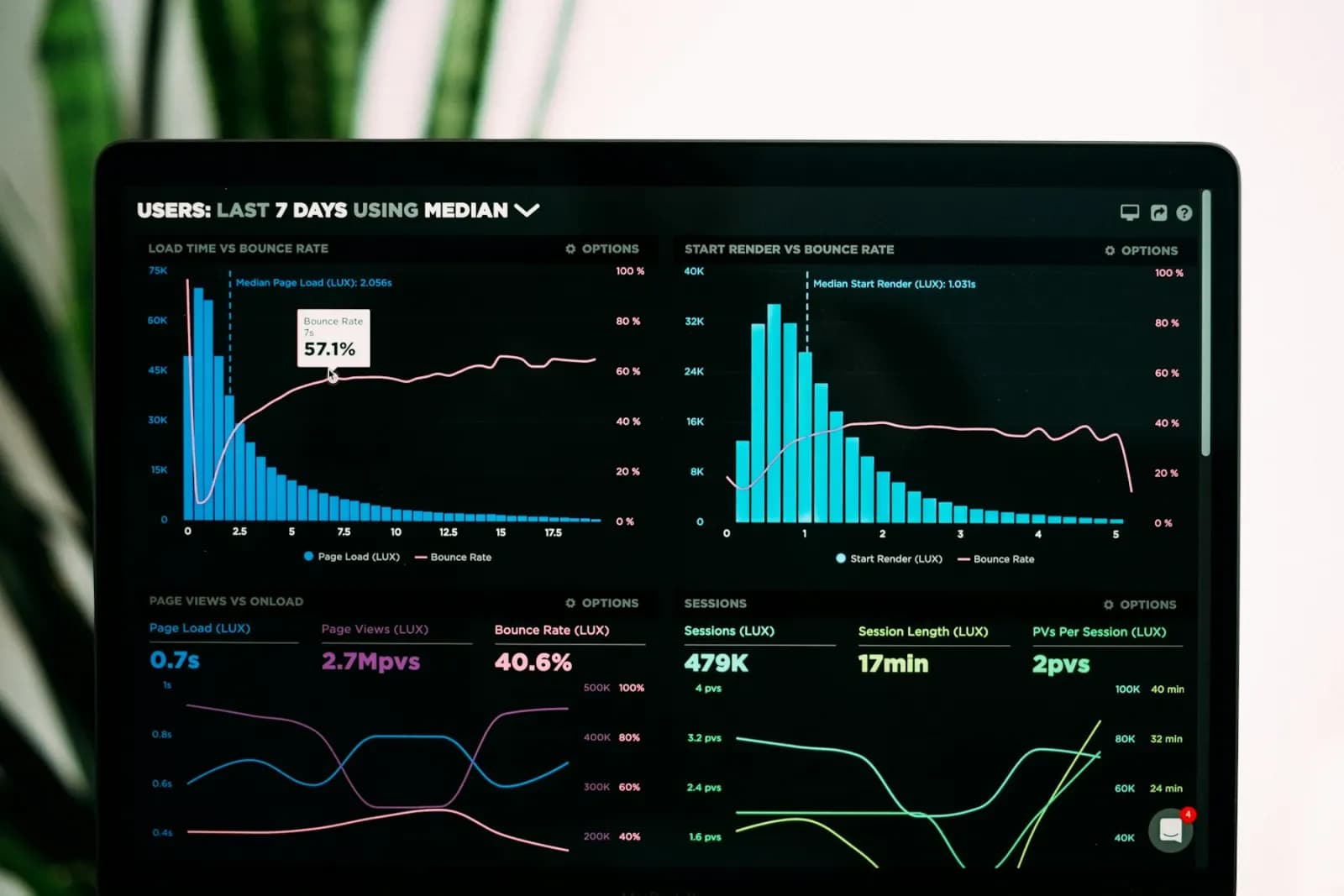
Parties (with role: client / contractor / agency / vendor)
Scope (1–2 paragraphs)
Deliverables (numbered list)
Analytics charts on a laptop screen

Video to ML dataset

AI Training Datasets

Generate a frame-level ML training dataset from a video.
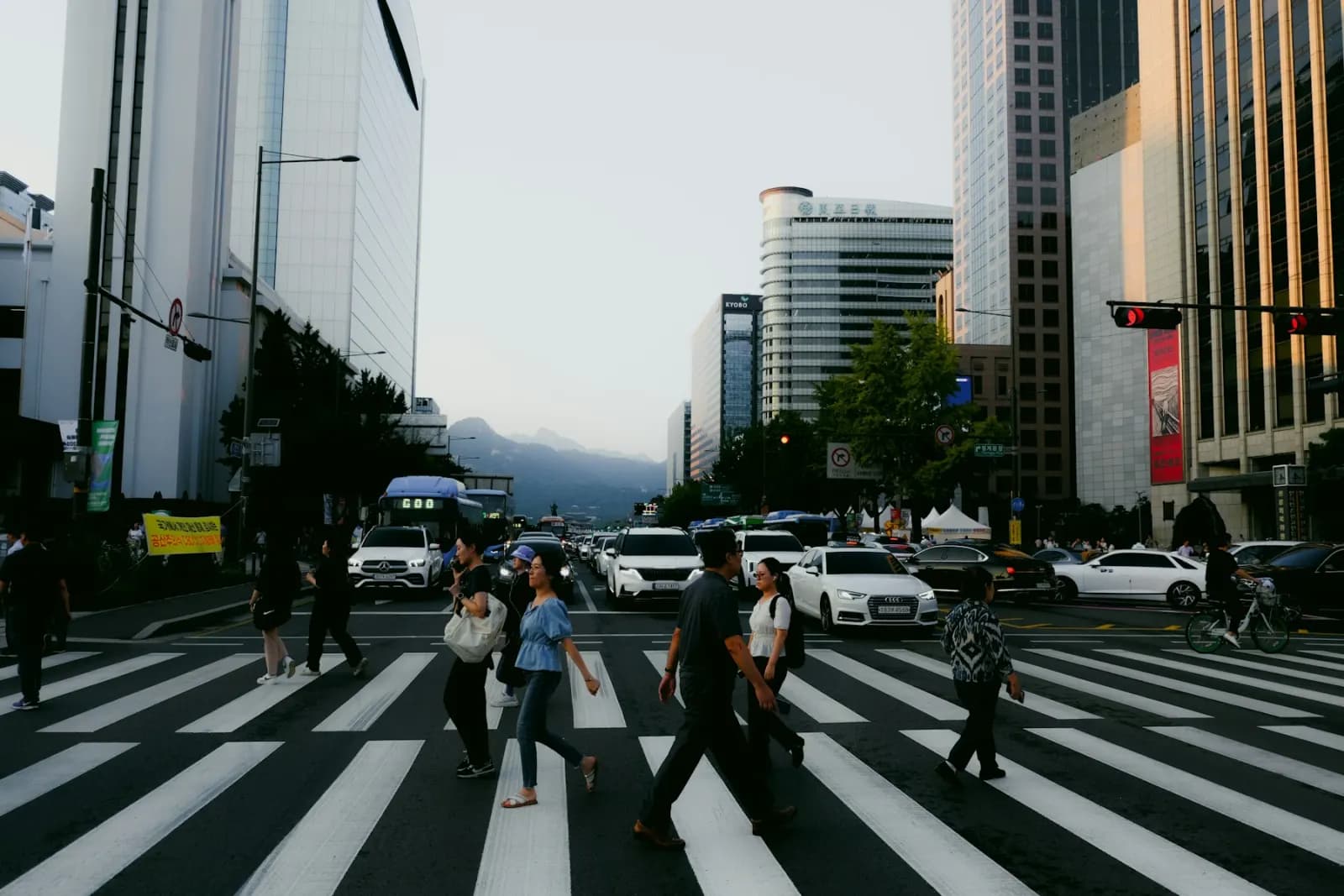
Per-frame labels (class names + bounding boxes + confidence)
Scene attributes (weather, lighting, density, etc.)
Event tags (e.g. 'person_crossing', 'vehicle_approaching')
People crossing a busy city crosswalk

Traffic and movement dataset

Traffic & Movement

Build an aggregate movement dataset from fixed-camera footage.

Per-frame object counts (e.g. {'car': 5, 'pedestrian': 2})
Per-zone aggregated counts (e.g. 'north sidewalk': 47 pedestrians)
Entry / exit counts (where zone boundaries are detectable)
Factory conveyor line with AI quality inspection overlay

Enterprise manufacturing video QA

Factory QA

Flag visible production defects from manufacturing-line footage.

Inspection summary and line state
Pass-rate estimate and observed unit count
Per-finding defect type, severity, confidence, and disposition
Realtime factory camera feed inspecting components under an overhead camera

Realtime camera QA

Realtime QA

Connect camera feeds and turn live production samples into reviewable QA events.

Active camera and edge-agent status
QA standards by line, product, and defect taxonomy
Frame samples counted toward indexed-minute and storage usage
A hand checking items off a checklist

Rubric video evaluation

Evaluations

Score videos against configurable rubrics with reviewable evidence.

Per-rubric-item status and confidence
Timestamped evidence text
Screenshot from the evidence moment