Video to ML dataset
AI Training Datasets: Generate a frame-level ML training dataset from a video.
Different from every other App: the OUTPUT is the data, not a summary. Upload a video and we'll sample 50 evenly-spaced frames, label each one with object classes + scene attributes + event tags, and produce a JSON or CSV dataset machine-consumable by your ML pipeline. Designed for ML engineers and AI startups who need labeled data without paying a labeling vendor.
Built for ML engineers, AI startups, data teams, and computer vision teams.
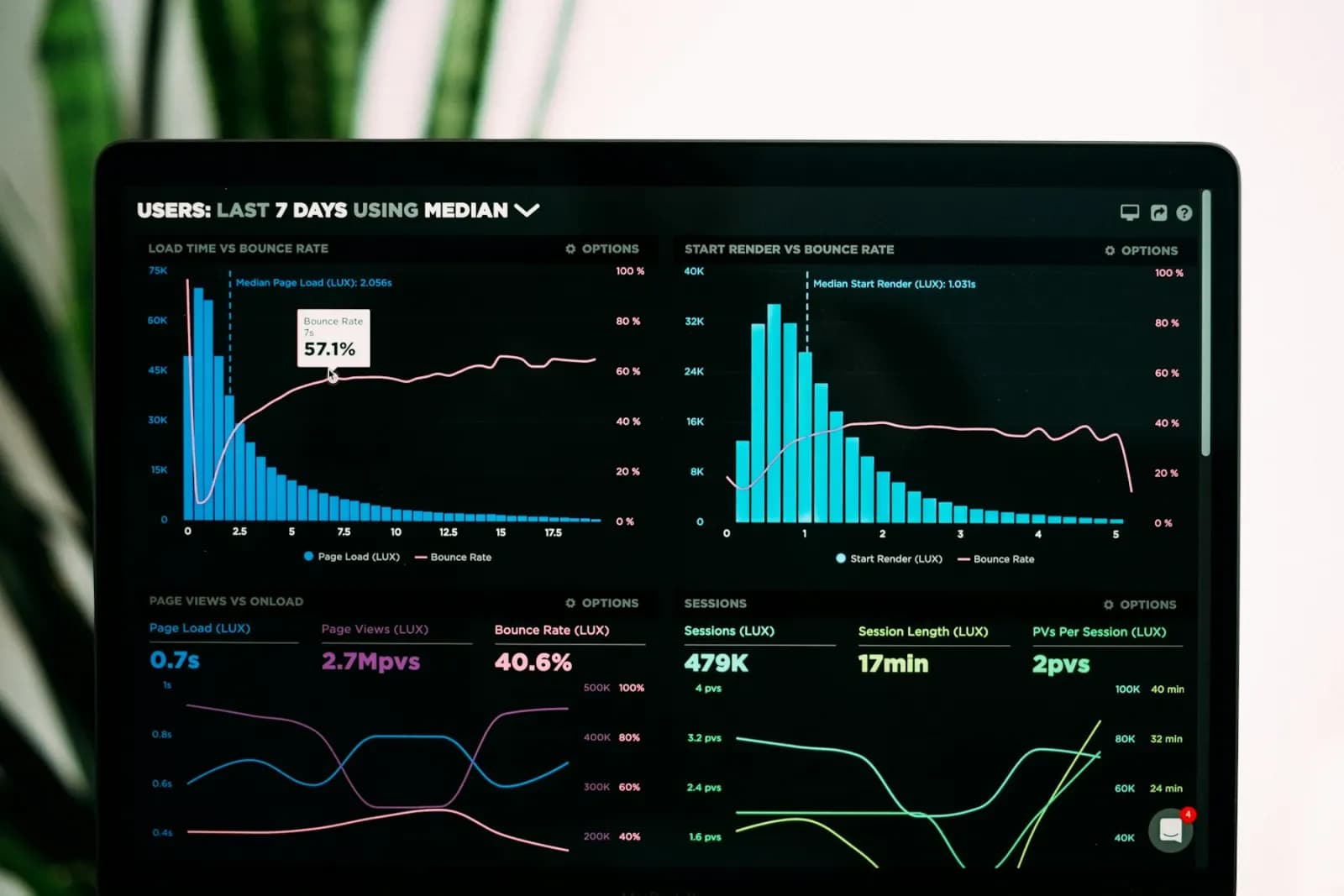
Sample output
Frame-level JSON dataset
Workflow fit
Built for teams that need evidence, not just summaries.
VidScanner AI Training Datasets is designed for ML engineers, AI startups, data teams, and computer vision teams. Instead of treating video as a file to watch from start to finish, the app indexes the recording, identifies important moments, and turns the source footage into a structured deliverable that can be searched and reviewed.
The workflow starts with a video to extract a labeled training dataset from. The strongest results come from recordings where the camera lingers on important evidence and the speaker narrates key context. VidScanner keeps the generated output tied to the source video so reviewers can verify what was seen or said before they export it.
What to upload
A video to extract a labeled training dataset from.
- Driving footage (urban / highway)
- Warehouse / industrial cameras
- Retail / aisle footage
- Wildlife / agriculture footage
What you get
A machine-consumable dataset (NOT a human-readable summary).
- Per-frame labels (class names + bounding boxes + confidence)
- Scene attributes (weather, lighting, density, etc.)
- Event tags (e.g. 'person_crossing', 'vehicle_approaching')
- Auto-detected domain tag (urban_driving / warehouse / retail / …)
- Aggregate label histogram
Exports
- JSON (full dataset — drop-in for most ML pipelines)
- CSV (flat per-label rows — for spreadsheet / pandas analysis)
Common ai training datasets workflows
COCO seed dataset from video
Use VidScanner AI Training Datasets to turn source footage into a structured result with timestamps, screenshots, and reviewable evidence for this workflow.
Read workflowYOLO labels from footage
Use VidScanner AI Training Datasets to turn source footage into a structured result with timestamps, screenshots, and reviewable evidence for this workflow.
Read workflowWarehouse activity labels
Use VidScanner AI Training Datasets to turn source footage into a structured result with timestamps, screenshots, and reviewable evidence for this workflow.
Read workflowTips for better results
Questions teams ask
What should I upload to VidScanner AI Training Datasets?
A video to extract a labeled training dataset from. Good examples include Driving footage (urban / highway) and Warehouse / industrial cameras.
What does VidScanner AI Training Datasets produce?
A machine-consumable dataset (NOT a human-readable summary). Outputs include Per-frame labels (class names + bounding boxes + confidence), Scene attributes (weather, lighting, density, etc.), Event tags (e.g. 'person_crossing', 'vehicle_approaching').
Can I try VidScanner AI Training Datasets before paying?
Yes. VidScanner supports a free account so teams can test the upload, search, and export workflow before choosing a paid plan.