UX research synthesis
UX Sessions: Auto-analyse a usability test recording.
Upload a recorded user-test session and get a usability score, categorised insights (dropoffs, confusion, successes, feedback), and timestamped screenshots so you can jump to the moment. Cuts hours of session-watching down to a 5-minute review.
Built for UX researchers, designers, PMs, and product teams.
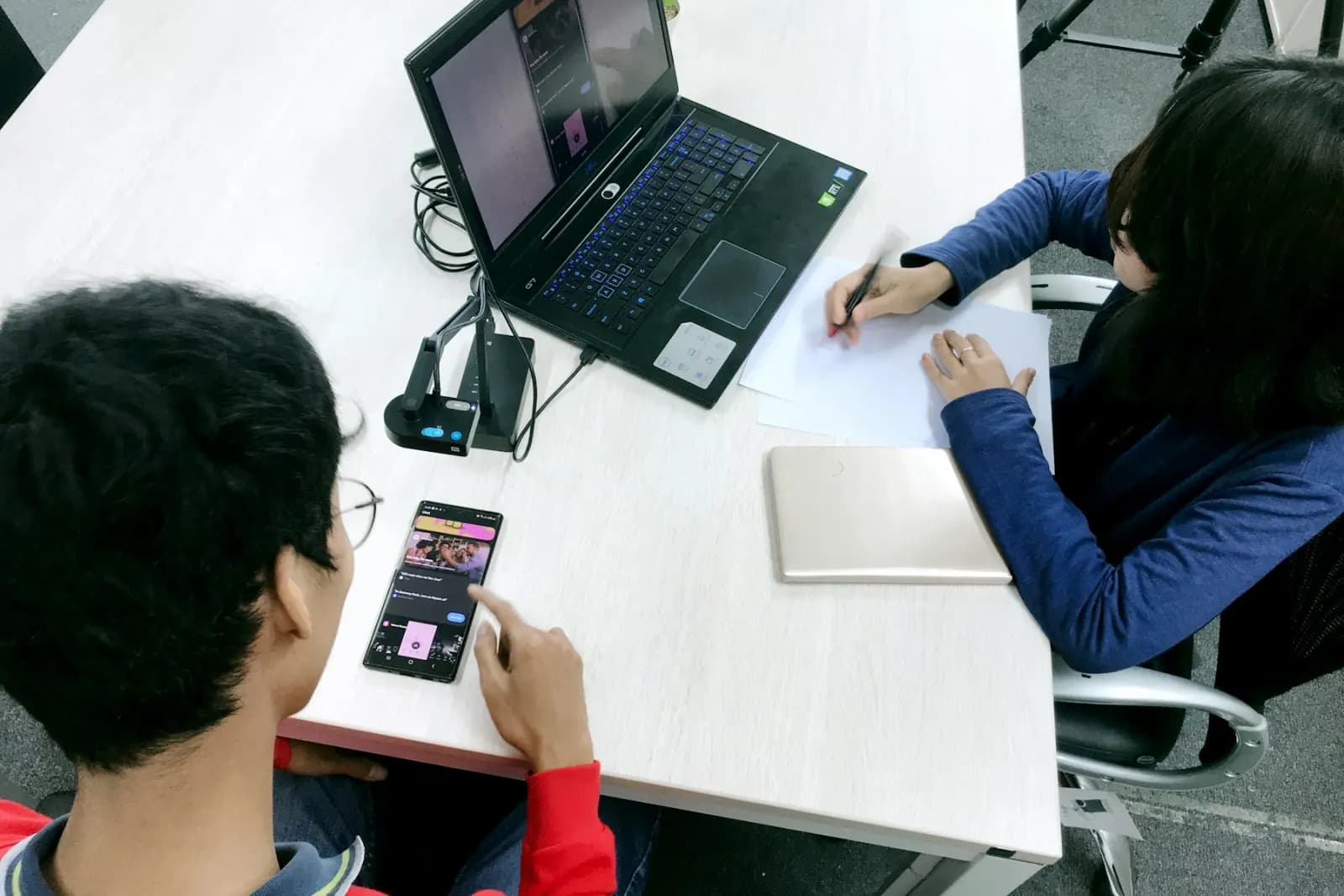
Sample output
Usability session report
Workflow fit
Built for teams that need evidence, not just summaries.
VidScanner UX Sessions is designed for UX researchers, designers, PMs, and product teams. Instead of treating video as a file to watch from start to finish, the app indexes the recording, identifies important moments, and turns the source footage into a structured deliverable that can be searched and reviewed.
The workflow starts with a recorded usability test session. The strongest results come from recordings where the camera lingers on important evidence and the speaker narrates key context. VidScanner keeps the generated output tied to the source video so reviewers can verify what was seen or said before they export it.
What to upload
A recorded usability test session.
- Moderated user-test recording (Zoom, Maze, or similar)
- Unmoderated session capture from UserTesting / Lookback
- Internal dogfooding / hallway-test recordings
What you get
A usability report with a score and grouped insights.
- Usability score (0–100)
- Dropoffs — moments where the user got stuck or quit
- Confusion — places they hesitated or asked questions
- Successes — flows they completed cleanly
- Feedback — explicit suggestions or complaints they voiced
Exports
- Markdown report
Common ux sessions workflows
Maze usability test synthesis
Use VidScanner UX Sessions to turn source footage into a structured result with timestamps, screenshots, and reviewable evidence for this workflow.
Read workflowUser interview video highlights
Use VidScanner UX Sessions to turn source footage into a structured result with timestamps, screenshots, and reviewable evidence for this workflow.
Read workflowFirst-click test recordings
Use VidScanner UX Sessions to turn source footage into a structured result with timestamps, screenshots, and reviewable evidence for this workflow.
Read workflowTips for better results
Questions teams ask
What should I upload to VidScanner UX Sessions?
A recorded usability test session. Good examples include Moderated user-test recording (Zoom, Maze, or similar) and Unmoderated session capture from UserTesting / Lookback.
What does VidScanner UX Sessions produce?
A usability report with a score and grouped insights. Outputs include Usability score (0–100), Dropoffs — moments where the user got stuck or quit, Confusion — places they hesitated or asked questions.
Can I try VidScanner UX Sessions before paying?
Yes. VidScanner supports a free account so teams can test the upload, search, and export workflow before choosing a paid plan.