Factory QA use case
AI visual inspection for manufacturing
AI visual inspection for manufacturing teams that need an evidence-first way to flag visible defects from uploaded factory footage before committing to a custom line-control system.
Workflow guide
How this use case fits into a repeatable video review process.
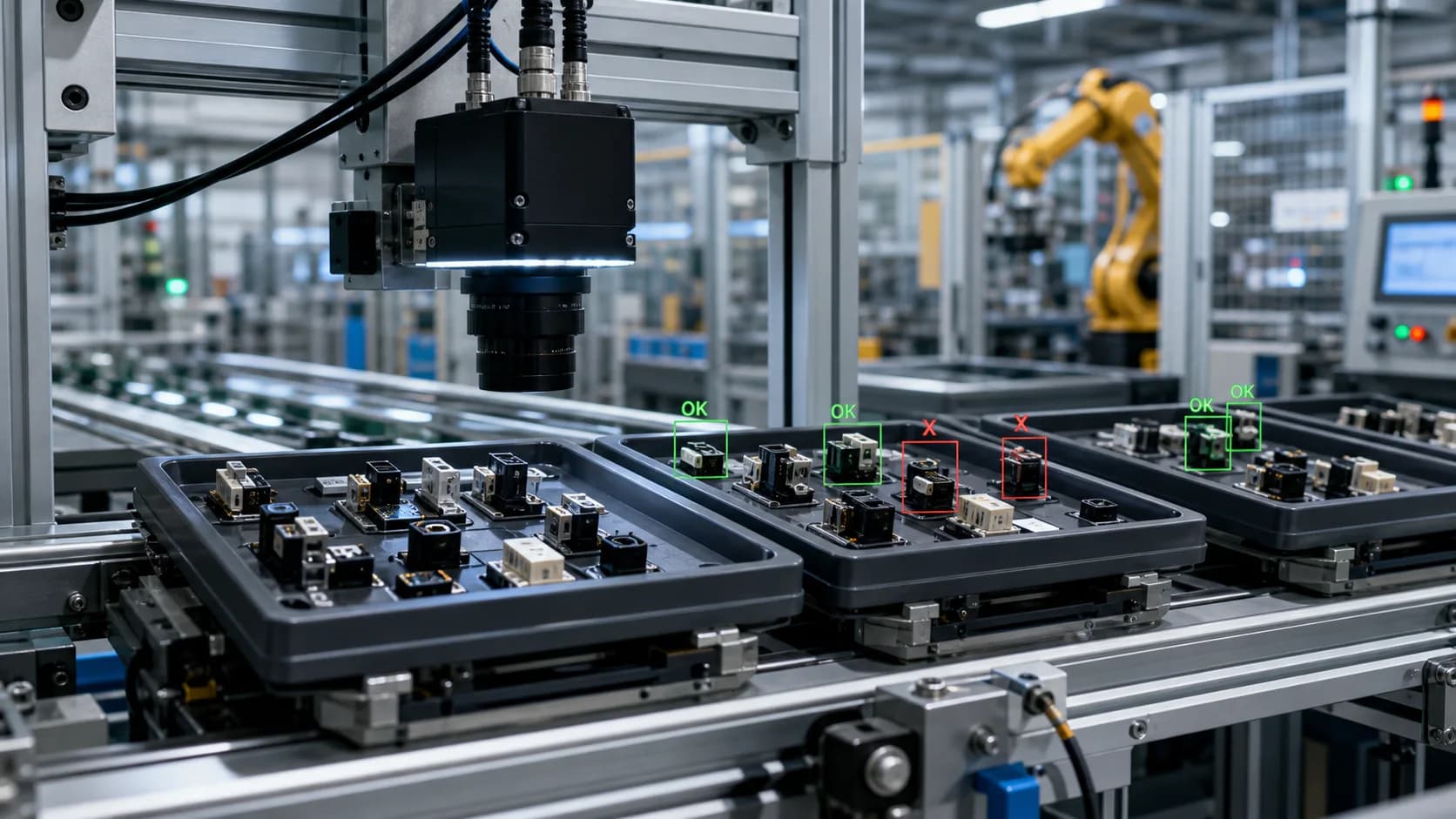
AI visual inspection projects often stall because teams jump straight to hardware, calibration, and PLC integration. VidScanner gives quality leaders a lower-friction first step: use existing video to see whether defects are visible enough for automated review to help.
The workflow focuses on visible product standards such as missing caps, underfills, overfills, label shifts, broken items, deformation, contamination, or packaging issues. The output keeps evidence visible so QA teams can validate the finding rather than relying on a hidden score.
Use this page as the pilot workflow for determining which lines, products, camera angles, and defect definitions are strong candidates for deeper automation.
Sample input
inspection footage showing repeated units moving through a visible product checkpoint
Sample output
AI-assisted inspection report with defect categories, confidence, screenshots, timestamps, and human-review disposition
Enterprise fit
Best fit
Batch review, inspection pilots, customer complaint evidence, supplier dispute review, quality audits, and early realtime camera pilots where the video clearly shows the product standard.
Operational boundary
Use Factory QA and Realtime QA as evidence and alert review layers before final disposition. PLC control, calibrated high-speed tracking, and automated line shutdowns require a dedicated machine-vision deployment.
How it works
- Select a representative production clip with known good and suspected bad examples
- Enter the visible acceptance criteria and defect categories
- Run Factory QA to identify exceptions and uncertain cases
- Compare AI findings against human QA notes
- Use exports to decide whether a dedicated vision deployment is justified
Tips for this workflow
Review checklist
FAQ
Can this replace an inline vision system?
No. VidScanner supports uploaded-footage review and connected-camera sampling for human-reviewed QA events, but it is not a PLC-connected line-stop or validated high-speed rejection system.
What makes the output useful for QA teams?
Each finding includes a timestamp, screenshot, defect type, severity, confidence, rule reference, and suggested disposition so a QA owner can verify the issue against source video.
What kind of footage works best?
Fixed-camera footage from a line, inspection station, packaging area, or controlled sample run works best. Close framing and stable lighting usually matter more than cinematic quality.