Factory QA use case
Manufacturing video inspection software
Manufacturing video inspection software for quality teams that want to review existing line footage, connect pilot camera feeds, define visible standards, and turn video into timestamped exception queues with evidence.
Workflow guide
How this use case fits into a repeatable video review process.
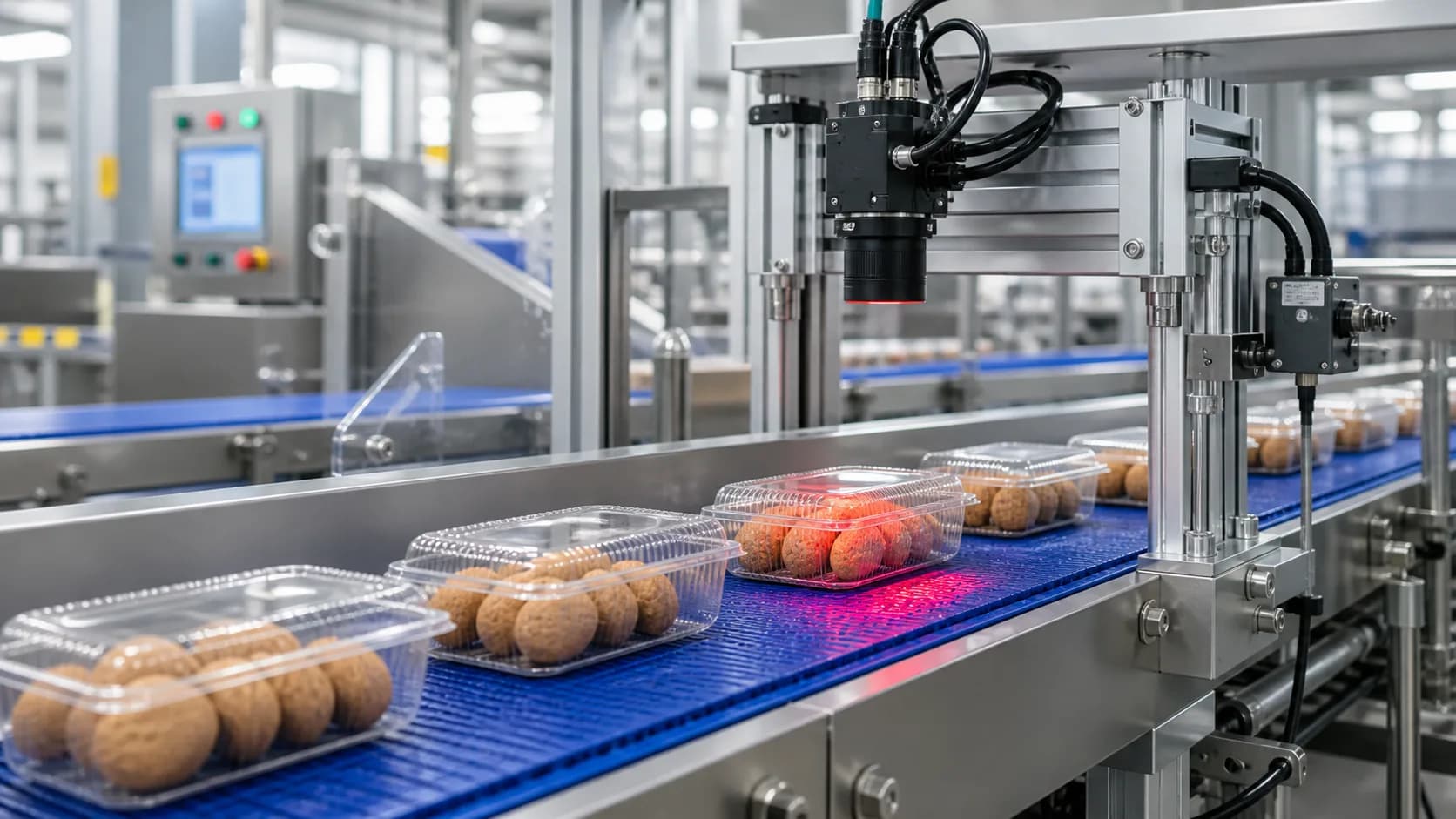
Manufacturing video inspection software is useful when a plant already has camera footage or wants to pilot connected camera monitoring without building a custom vision stack first. VidScanner turns production video into a structured exception queue instead of asking a supervisor to scrub the entire clip or watch every live feed.
Quality teams can define the visible product standard, run Factory QA, and review findings that include timestamps, screenshots, confidence, severity, and suggested disposition. The result is not a black-box pass/fail decision; it is a reviewable worklist tied back to the original source video.
This workflow is strongest for batch review, live camera pilots, complaint investigation, audit preparation, and continuous improvement work. It is not a replacement for calibrated real-time machine vision connected to line controls.
Sample input
fixed-camera production-line footage or a connected camera sample from a bottling, packaging, food, parts, or assembly inspection station
Sample output
timestamped defect queue with severity, confidence, disposition, screenshot evidence, rule references, and CSV or JSON exports
Enterprise fit
Best fit
Batch review, inspection pilots, customer complaint evidence, supplier dispute review, quality audits, and early realtime camera pilots where the video clearly shows the product standard.
Operational boundary
Use Factory QA and Realtime QA as evidence and alert review layers before final disposition. PLC control, calibrated high-speed tracking, and automated line shutdowns require a dedicated machine-vision deployment.
How it works
- Upload fixed-camera manufacturing footage or connect a pilot camera through Realtime QA
- Describe the expected standard and visible defect types
- Run VidScanner Factory QA or Realtime QA to create an exception queue
- Review timestamps and screenshots before confirming disposition
- Export findings to CSV or JSON for QA records, BI, or audit packages
Tips for this workflow
Review checklist
FAQ
Can this replace an inline vision system?
No. VidScanner supports uploaded-footage review and connected-camera sampling for human-reviewed QA events, but it is not a PLC-connected line-stop or validated high-speed rejection system.
What makes the output useful for QA teams?
Each finding includes a timestamp, screenshot, defect type, severity, confidence, rule reference, and suggested disposition so a QA owner can verify the issue against source video.
What kind of footage works best?
Fixed-camera footage from a line, inspection station, packaging area, or controlled sample run works best. Close framing and stable lighting usually matter more than cinematic quality.