Realtime QA use case
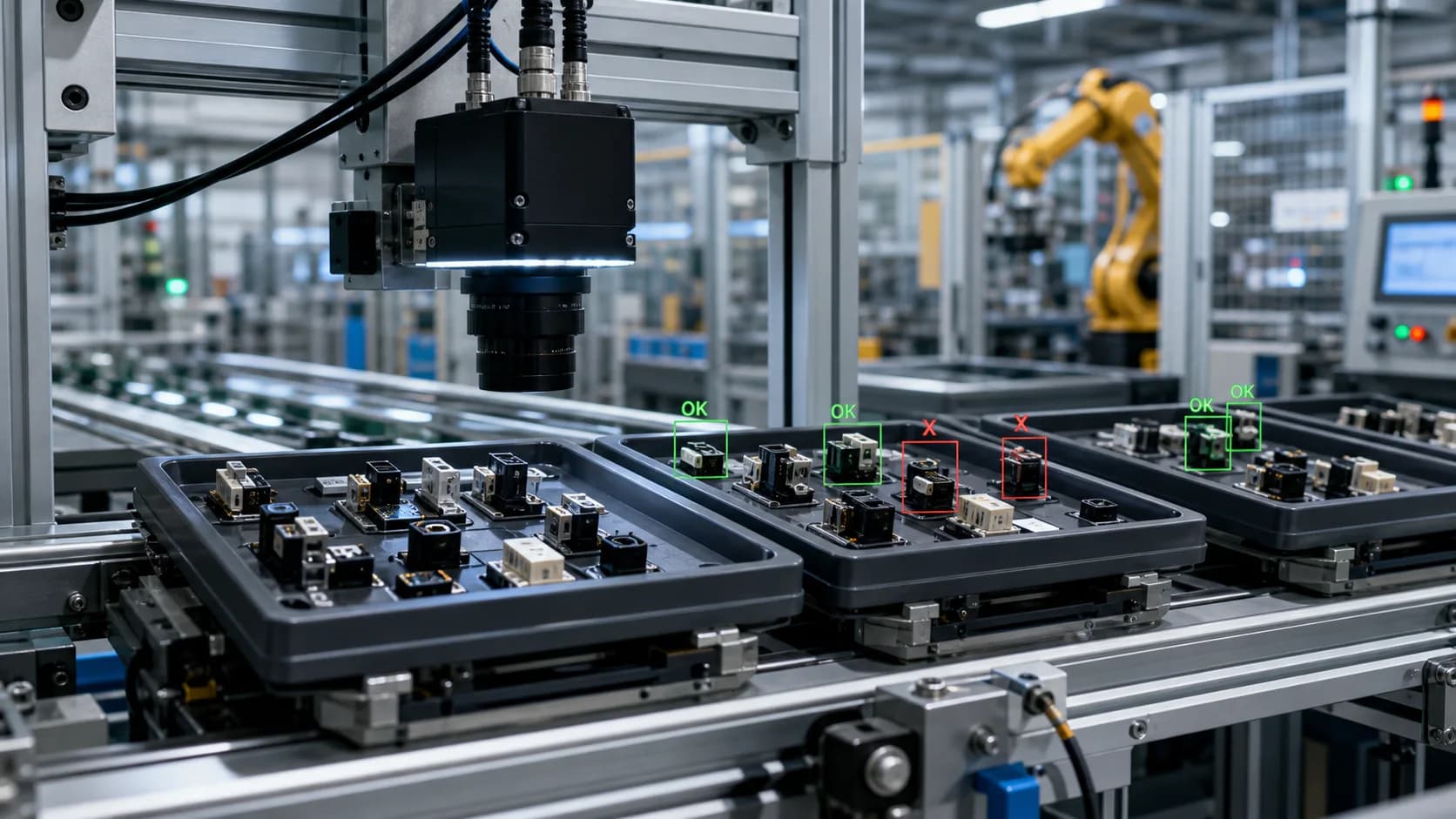
Edge camera defect review
Edge camera defect review for plants and integrators that need secure camera tokens, heartbeat status, sampled frames, and reviewable defect events.
Workflow guide
How this use case fits into a repeatable video review process.
Edge camera defect review gives operators and integrators a practical deployment path: register an agent, connect cameras, and sample frames into a workspace without exposing broad account credentials.
This is useful for pilots where IT, operations, and quality need clear ownership. The token is scoped to realtime ingestion, and each camera remains tied to a workspace, line, product, and standard.
The result is a review queue that can be used for QA investigation, partner demos, or operational monitoring while the team decides whether deeper integration is justified.
Sample input
a plant-side edge agent connected to one or more fixed production cameras
Sample output
camera events with source, standard, screenshot, timestamp, confidence, severity, and review status
Enterprise fit
Best fit
Batch review, inspection pilots, customer complaint evidence, supplier dispute review, quality audits, and early realtime camera pilots where the video clearly shows the product standard.
Operational boundary
Use Factory QA and Realtime QA as evidence and alert review layers before final disposition. PLC control, calibrated high-speed tracking, and automated line shutdowns require a dedicated machine-vision deployment.
How it works
- Create an edge agent and copy the one-time token
- Deploy the agent near the camera network
- Register each camera with source type, line, and product context
- Upload sampled frames and complete them into review events
- Review event quality and usage before expanding coverage
Tips for this workflow
Review checklist
FAQ
What video should I use for Edge camera defect review?
Start with a plant-side edge agent connected to one or more fixed production cameras. The recording should show the important visual evidence clearly and include narration when spoken context changes the meaning of the scene.
What output does this workflow create?
VidScanner generates live line exception queue details such as camera events with source, standard, screenshot, timestamp, confidence, severity, and review status. Each item stays connected to the source video for review.
Can the result be exported?
Realtime QA exports include Review queue records and CSV or JSON exports where available through QA workflows, depending on the app workflow and account plan.