June 21, 2026
Manufacturing Video Inspection Software: A Practical Guide for QA Teams
How manufacturing teams can evaluate video inspection software, where uploaded-footage and connected-camera review fit, and what to test before buying line-control machine vision.
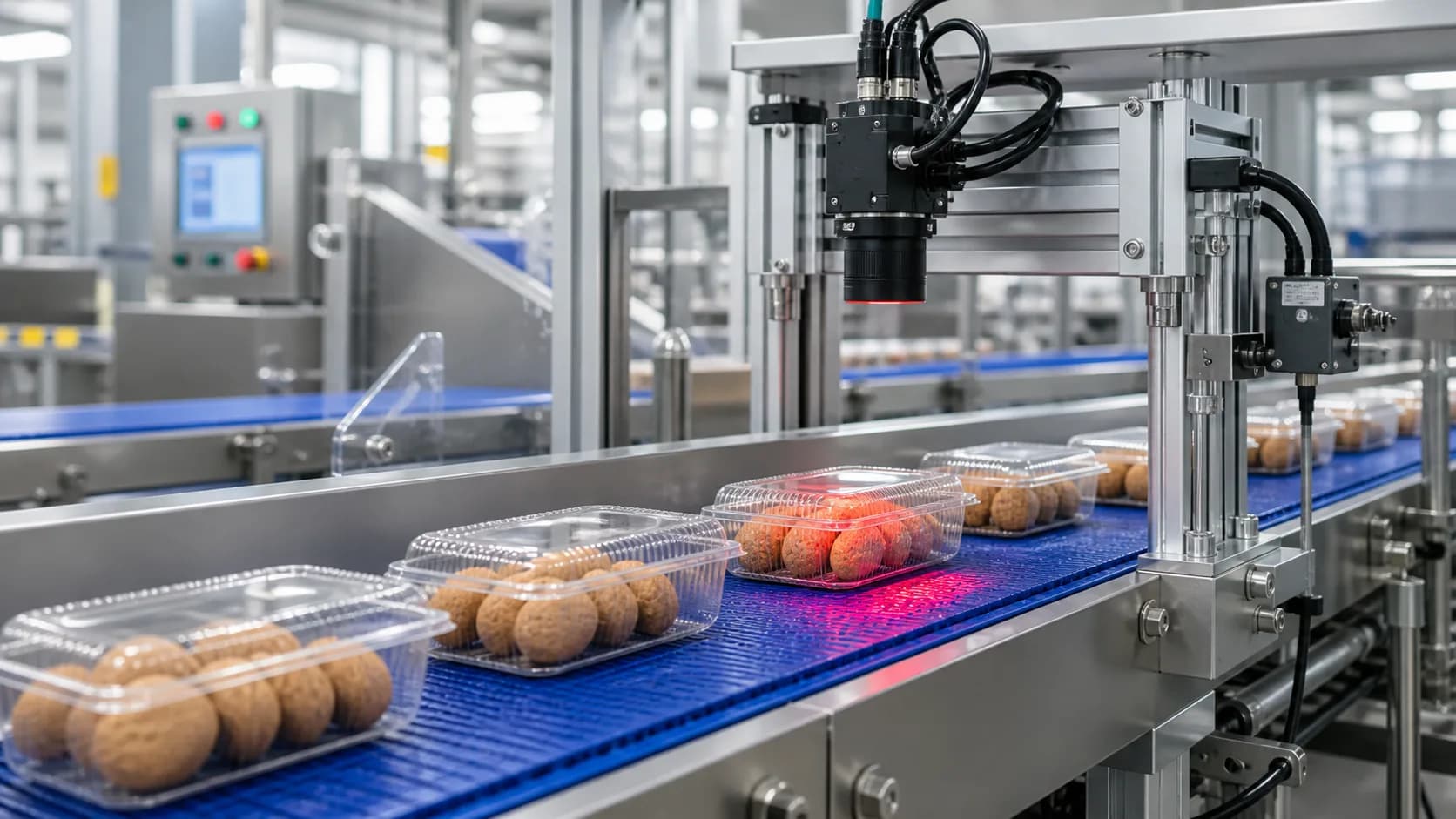
Manufacturing video inspection software helps quality and operations teams find visible issues in production footage: missing caps, label problems, underfills, broken product, damaged packaging, incorrect orientation, contamination concerns, and uncertain cases that need review.
The category can mean several different things. Some systems run inline in real time, connect to PLCs, and stop production automatically. Others review existing footage after the fact, help investigate a batch, and create evidence for QA records. Before choosing a tool, define the decision the inspection needs to support.
VidScanner's Factory QA app is built for uploaded production-line footage and evidence-backed review. VidScanner's Realtime QA app extends that workflow into connected camera samples, edge-agent ingestion, live event queues, and usage metering. Together, they give teams a practical first step when they already have camera footage or want to pilot monitoring before investing in a dedicated line-control machine-vision deployment.
What manufacturing teams usually need
Most factories are not searching for "AI" in the abstract. They need a repeatable answer to a quality question:
- Did this batch contain visible defects?
- Can we find the moment a packaging issue started?
- Are customer complaints visible in archived line footage?
- Can a supervisor review suspect clips without watching the entire shift?
- Can a connected camera create useful QA alerts without creating uncontrolled storage and processing cost?
- Is this line a good candidate for a calibrated real-time vision system?
Those are different problems from high-speed automated rejection. A batch-review workflow can be useful even when it is not connected to line controls.
Uploaded-footage review vs real-time machine vision
Real-time machine vision is the right long-term answer when a defect must be detected instantly and the line must react automatically. That usually requires camera selection, lighting design, calibration, object tracking, edge processing, and integration with plant controls.
Uploaded-footage and connected-camera review are different. They work with existing video exports or sampled camera feeds, ask the team to define visible standards, and produce a timestamped exception queue. This is useful for:
- Customer complaint investigation.
- Batch, shift, or sample-run review.
- Supplier dispute evidence.
- Audit preparation.
- Continuous improvement studies.
- Early validation before a capital project.
- Realtime camera pilots where sampled frames, storage, and indexed minutes need to be metered.
The tradeoff is clear: video QA review should keep a human in the loop for final disposition. Its value is speed, evidence, alerting, metering, and repeatability, not automatic line shutdown.
What to test first
Start with a small pilot before changing any QA process.
- Pick three clips: one normal, one known-defect, and one difficult edge case.
- Write the visible quality standard in plain language.
- Run the same footage through the inspection workflow or connect one pilot camera through Realtime QA.
- Compare findings against human QA notes.
- Record false positives, false negatives, uncertain cases, and expected usage volume.
- Decide whether the workflow is good enough for triage, audit support, realtime monitoring, or deeper automation.
For bottling lines, use the bottle fill and cap QA workflow. For packaging issues, start with packaging label inspection. For broader line review, use production line defect detection. For connected feeds, start with realtime camera QA monitoring or RTSP factory camera inspection.
Camera setup matters
The model cannot inspect a defect that the camera cannot see. A better prompt will not fix glare, blur, blocked views, or a camera angle that hides the quality feature.
For stronger results:
- Use fixed cameras when possible.
- Keep the target product close enough to inspect.
- Avoid angles where units overlap heavily.
- Reduce glare on bottles, labels, and glossy packaging.
- Use stable lighting across the review window.
- Define a specific standard before the run.
If the issue is fill level, show the fill line. If the issue is a label, show the retail-facing side. If the issue is a missing component, make sure the component area is visible at the checkpoint.
What an enterprise QA team should expect in the output
A useful inspection report should do more than say "pass" or "fail." It should give the reviewer enough evidence to make a decision:
- Defect type.
- Timestamp.
- Screenshot.
- Severity.
- Confidence.
- Rule or standard reference.
- Suggested disposition.
- Exportable records for QA systems, spreadsheets, or BI tools.
- Usage visibility for connected camera sampling, indexed minutes, storage, and overages.
That evidence is what makes the workflow useful for audits, root-cause analysis, and cross-functional review.
Where VidScanner fits
VidScanner Factory QA is for quality teams that want a practical video review layer using footage they already have. VidScanner Realtime QA is for teams that want to connect camera samples, monitor a line, and review events while tracking storage and indexed-minute usage. Both workflows help answer whether a defect is visible, where in the source video it appears, and whether the same issue is recurring across a batch, line, or camera feed.
Neither workflow is a replacement for a validated, calibrated machine-vision system when the line must respond automatically. They are a way to make existing footage and connected camera samples searchable, reviewable, metered, and exportable while the team learns which lines and defect types are worth deeper automation.
Bottom line
Manufacturing video inspection should start with a clear operational goal. If the goal is line-stop automation, plan for machine vision tied into plant controls. If the goal is evidence-backed QA review from existing footage or connected camera samples, VidScanner can create value quickly.
Start with a short pilot, validate against human QA notes, watch the usage volume, and use the results to decide whether the workflow belongs in audit review, batch triage, complaint investigation, realtime monitoring, or a future automation roadmap.